Merge MP3, WAV, and more into one polished file with Pimosa’s desktop tool, ideal for playlists, podcasts, and albums.
Audio Merger tool is available in our desktop app for macOS and Windows with a free three-day trial.
Loved by 1000+ People
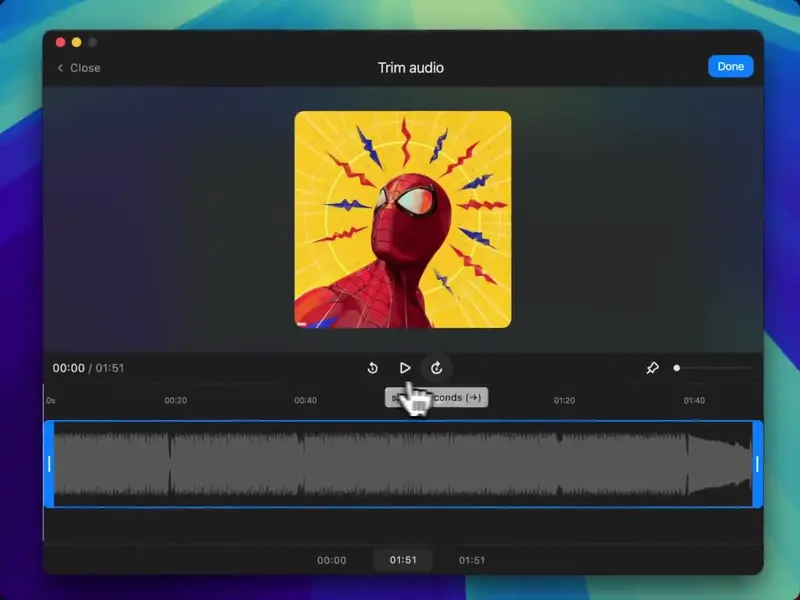
Cut unwanted parts with the built-in trimmer to perfect your audio files before combining them into one.
If you have any other questions - please get in touch
Create seamless audio tracks with Pimosa’s audio file merger. Whether you’re merging MP3 files for a playlist or combining WAV tracks for an album, our desktop tool delivers fast results on Mac or Windows.
Want to merge audio files for a podcast or demo? Import your clips, arrange them in order, and customize settings, all offline with no internet delays.
Pimosa’s desktop audio merger supports batch merging. Combine multiple audio files at once, perfect for musicians, podcasters, or anyone crafting a custom mix.
More tools in the same category, all included in Pimosa.
Edit audio metadata (title, artist, album, and more) effortlessly,organize your library with ease.
Cut audio files accurately,trim tracks seamlessly across all audio tools.
Convert audio files (MP3, WAV, FLAC, and more.) with pristine quality,optimized for any player.
Listen to audio (MP3, WAV, and more) in-app,preview tracks effortlessly before saving.
Get premium features like batch merging, high-quality outputs, and 20+ tools for your desktop.
Use code PH10 for exclusive discounts
"I bought the beta version, before I used to lookup for Image resizer, video compressor and other tools on google but it's good to have app for it. Awesome work keep bringing more apps like this."
